Prompt turns
Correlated by session and message, so every model call is traceable back to its context.
Runtime security layer
CyxWatch records instrumented prompt turns, shell commands, file operations, network attempts, and memory events locally. Policy checks can flag, require approval for, or block covered operations before execution, while high-confidence secrets are redacted before persistent storage.
Coverage follows the shared runtime wrappers documented in the implementation guide.
Correlated by session and message, so every model call is traceable back to its context.
What ran, when, and against what — with risk flags for destructive strings and sensitive paths.
Instrumented filesystem touchpoints are logged, with covered writes checked against policy before they land on disk.
Automatic detection of sensitive paths and risky shell patterns on covered operations before execution.
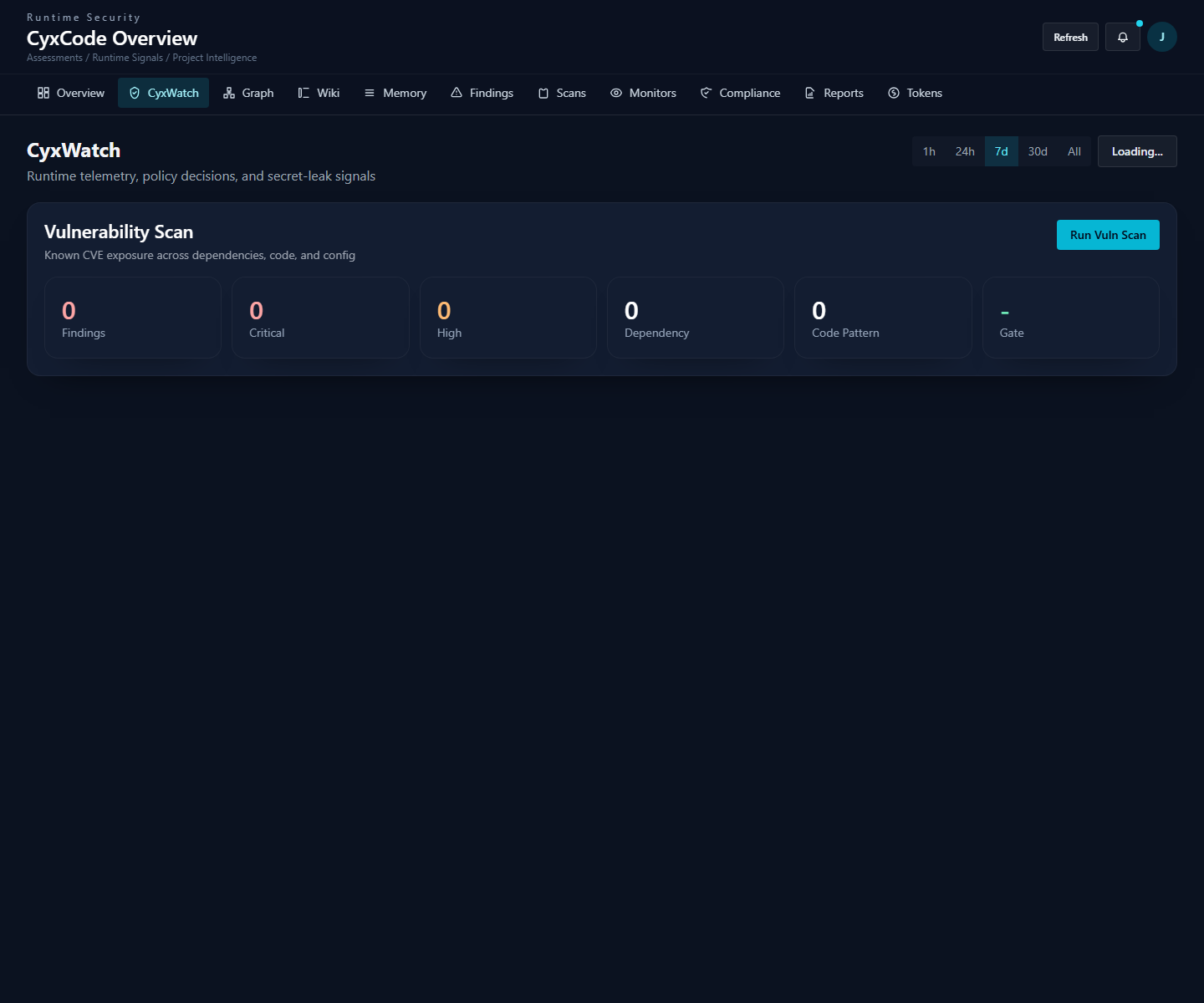
Dashboard
Open the CyxWatch surface to review telemetry and policy signals or start the shipped project vulnerability scan.
Persistent memory and audit writes pass through high-confidence secret detection and redaction.
Persistent memory writes pass through a filter that scans known API key, JWT, password, and token formats.
High-confidence matches are scrubbed before storage. The same redaction boundary protects audit records.
Filtered context reaches .cyxcode/memory/, reducing secret persistence in recall, dream, and graph state.
| Decision | What happens |
|---|---|
| auto-approve | Matching operation runs with no prompt. |
| require-approval | Normal permission prompt is shown. |
| block | Tool call stops before it executes. Hard blocks also guard low-level wrappers — destructive process-wrapper commands are caught pre-spawn, filesystem writes pre-write. |
$ cyxcode watch recent          # recent telemetry
$ cyxcode watch report          # observability report
$ cyxcode watch alerts          # alert history
$ cyxcode watch policy          # saved project policy rules
$ cyxcode watch policy --effective  # include defaults
$ cyxcode watch report --json --period 30d
Or open the dashboard at /dashboard/security when running cyxcode web.
Full usage guide ↗
CyxWatch ships with CyxCode and keeps telemetry local. See the implementation guide for current coverage and known boundaries.