Terminal, desktop, and web
Use the TUI, browser app, desktop app, headless server, or attach to an existing server.
Capabilities
CyxCode is more than a terminal prompt. It combines a coding workspace with reusable learning, connected project knowledge, governed automation, and open integrations.
CyxCode combines the agent loop with the project surfaces needed to inspect, change, and verify real code.
Use the TUI, browser app, desktop app, headless server, or attach to an existing server.
Browse the file tree, inspect changes in the review view, and keep project terminals beside the session.
Switch models and agents, attach context, track todos, and answer permission or tool questions without losing the thread.
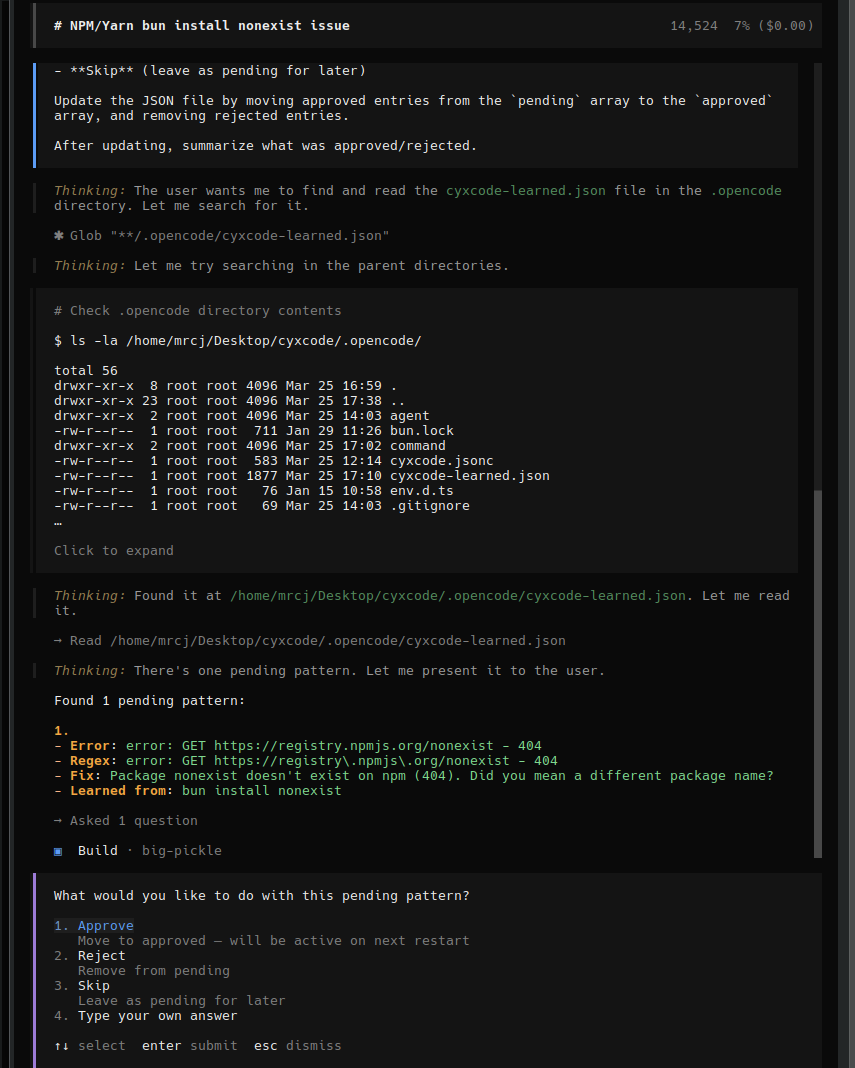
Deterministic patterns handle exact repeats while corrections, versioned state, and consolidation preserve broader lessons.
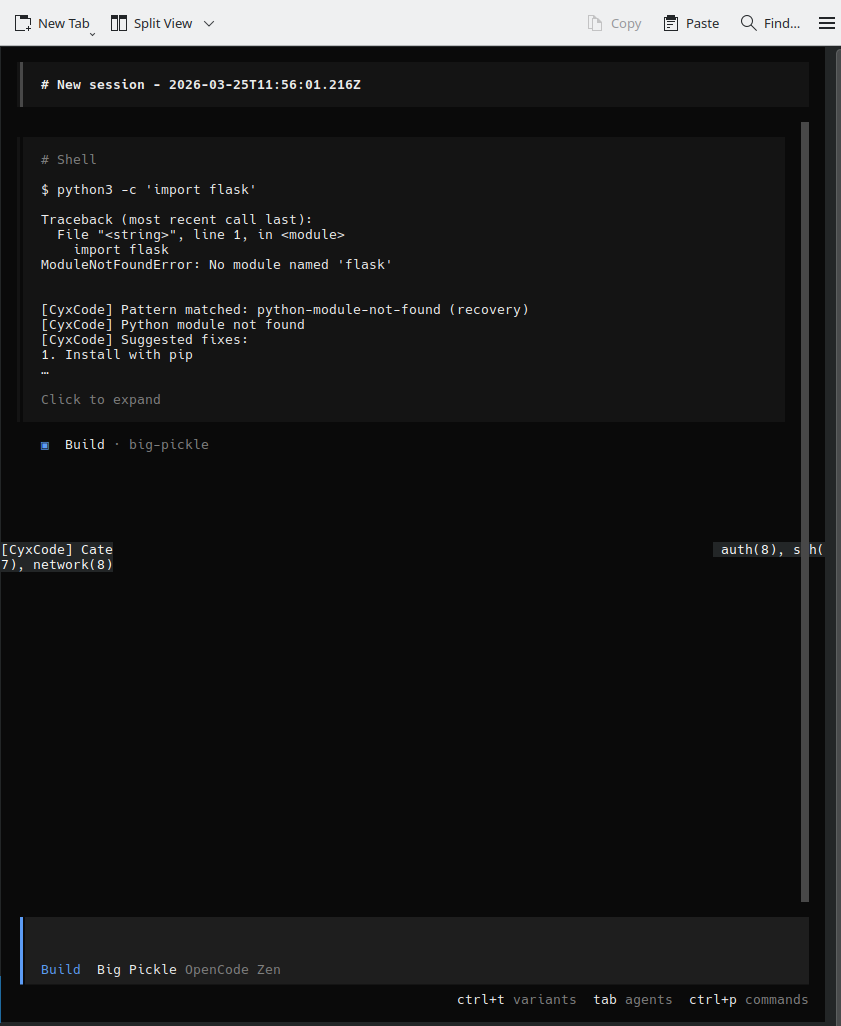
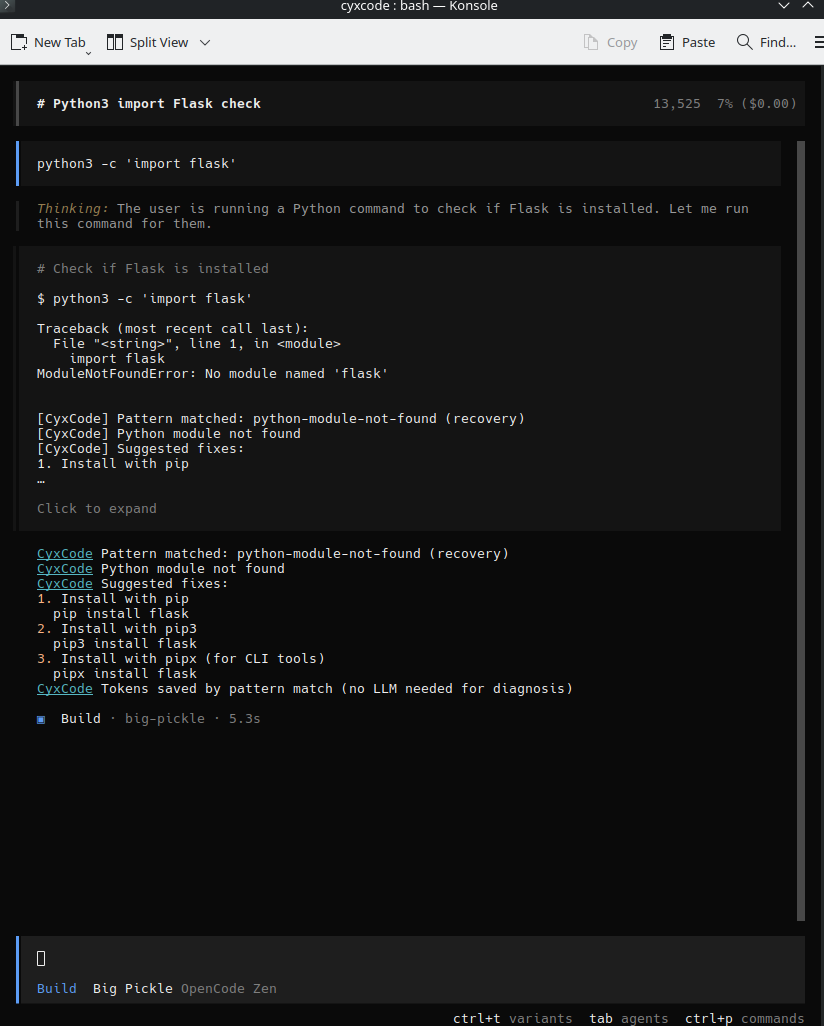
Built-in and approved learned patterns can intercept familiar failures before another model turn is spent.
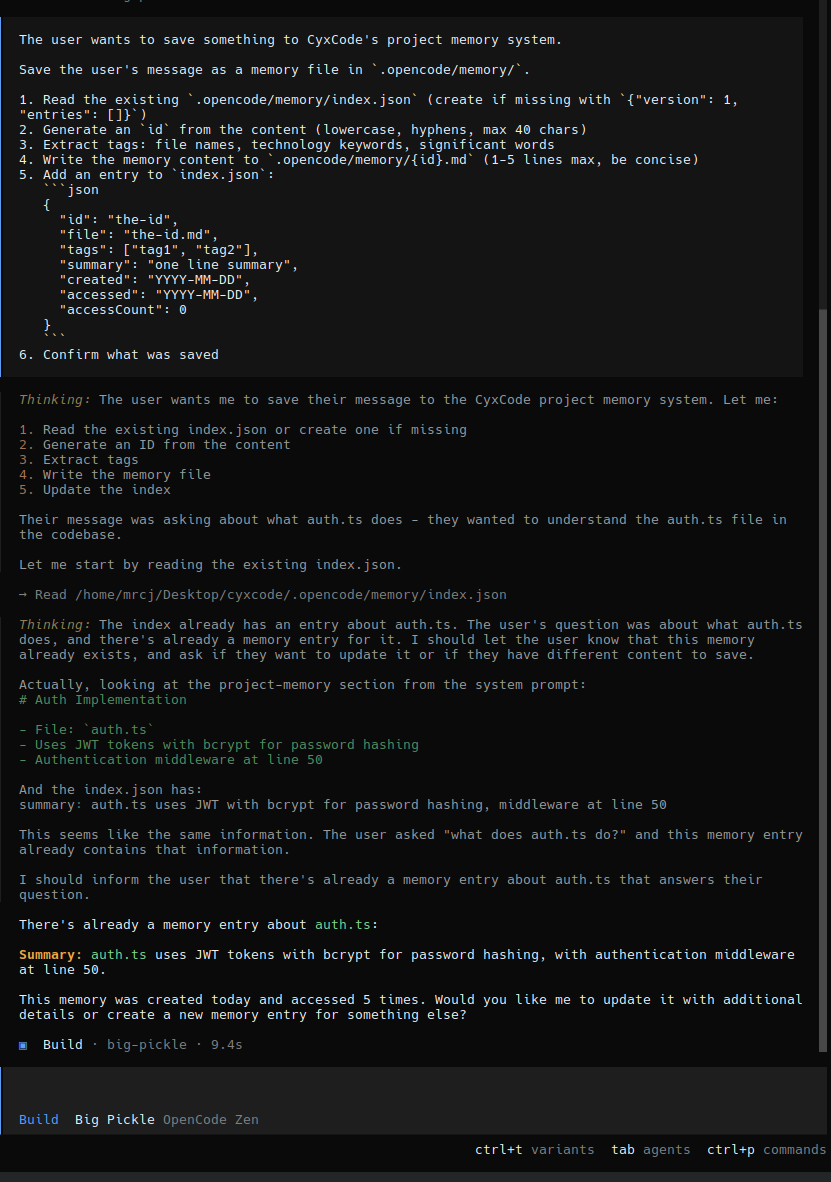
Save behavioral corrections, reinforce repeated rules, and restore useful context after compaction or a new session.
Deduplicate memories and patterns, validate stored state, and promote durable corrections through one maintenance workflow.
Memory, markdown notes, source relationships, and local semantic recall form a compact knowledge layer around the agent.
Store small indexed memories and local markdown notes with wikilinks and backlinks.
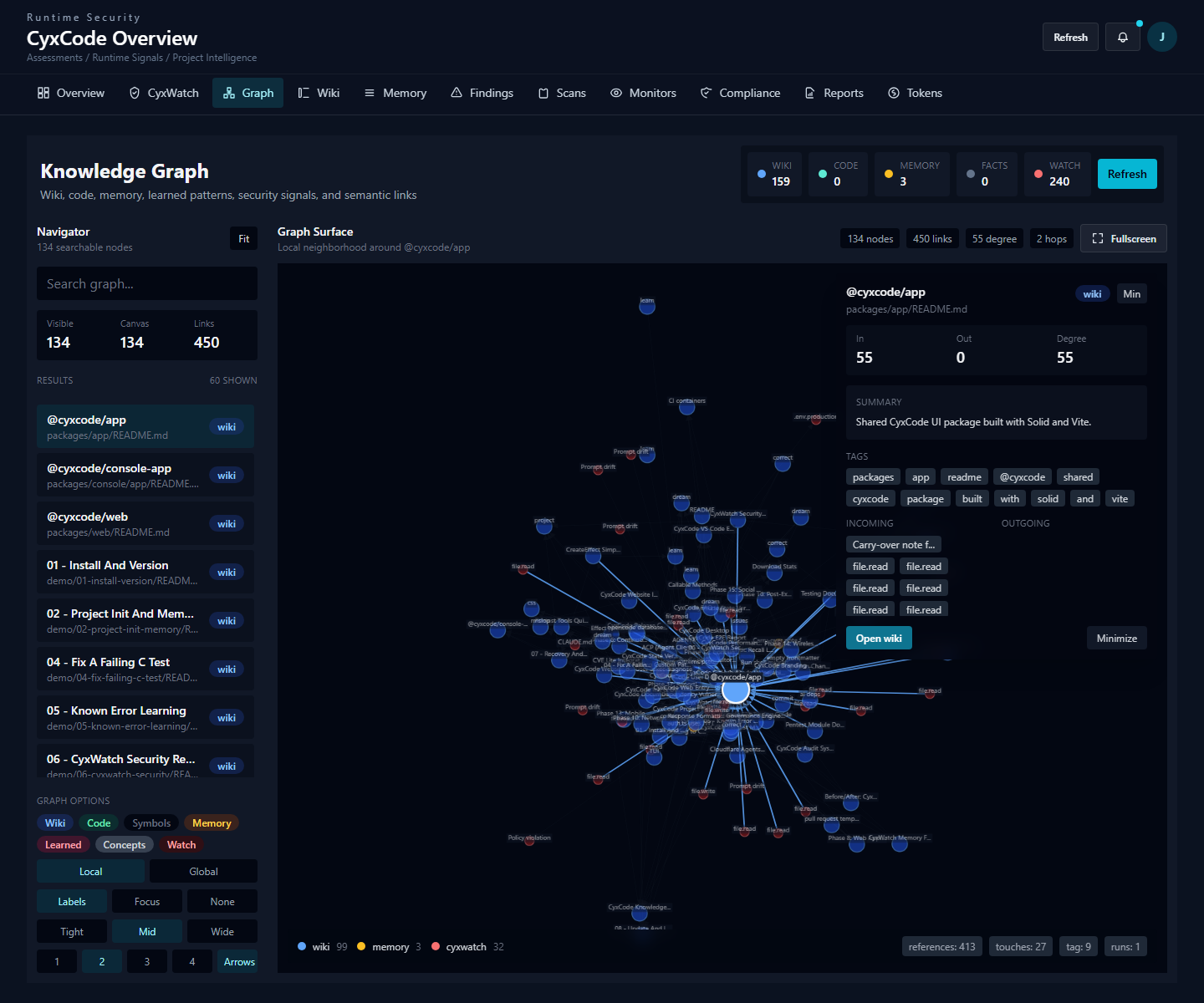
Connect files, symbols, notes, memories, learned patterns, facts, and CyxWatch signals in one graph.
Retrieve similar prior errors and relevant project context with local embeddings and no retrieval API call.
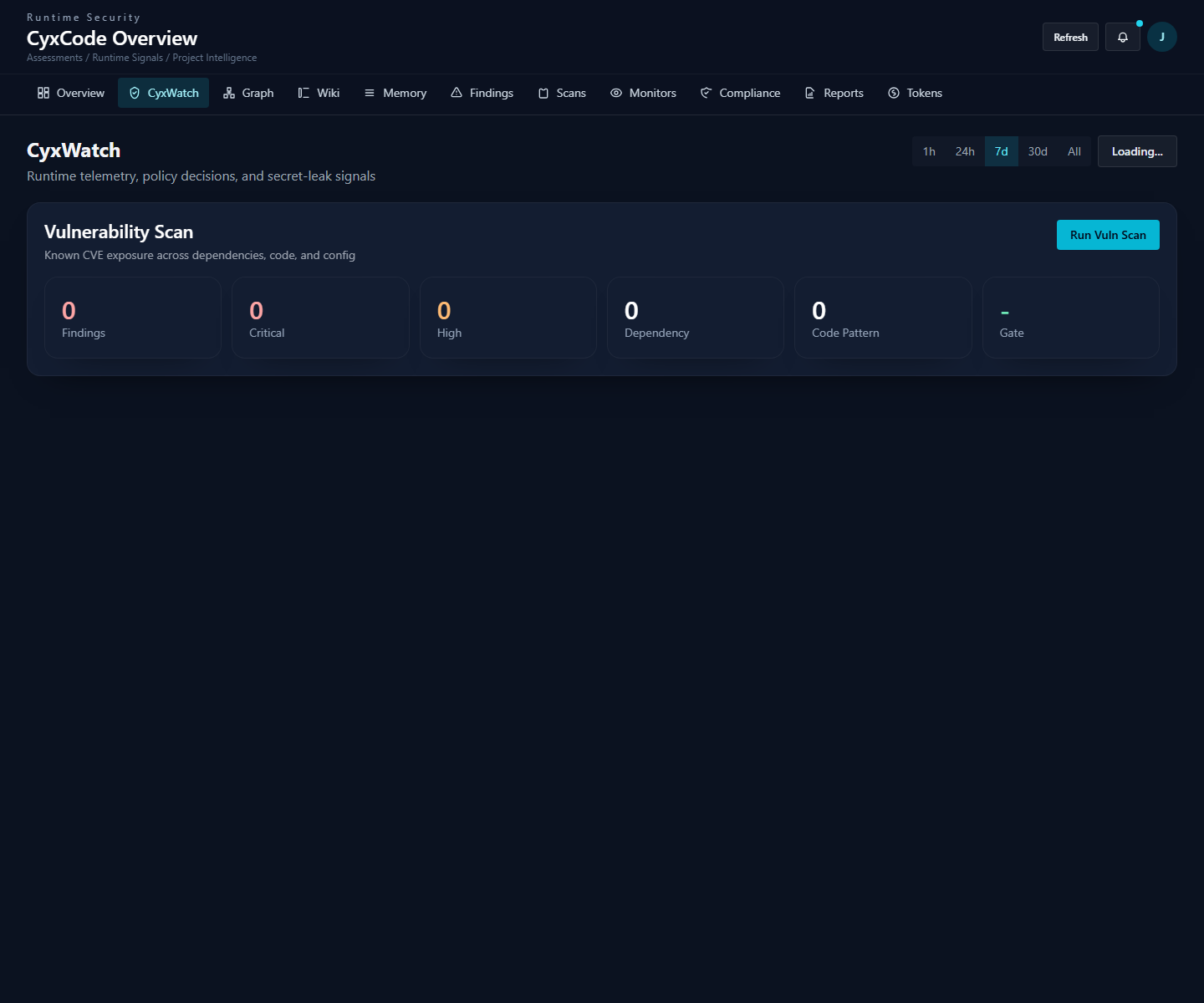
CyxWatch, permissions, audit events, and the vulnerability dashboard make important runtime actions inspectable.
Record instrumented prompt, shell, file, network, memory, and secret events locally with policy outcomes.
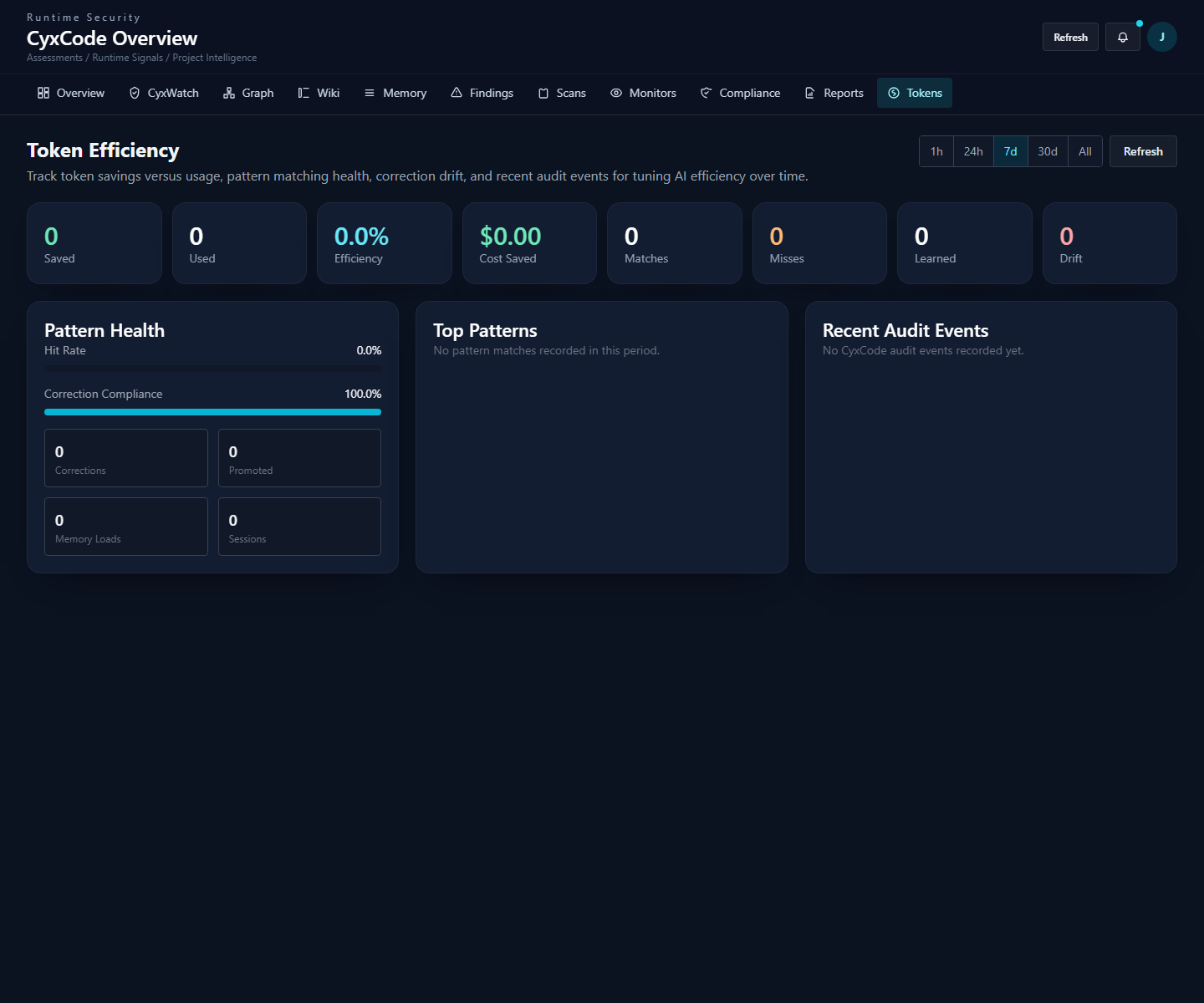
Inspect pattern matches, misses, learned fixes, and estimated token savings from the CLI or dashboard.
Run the shipped dependency and code exposure scan, then review findings, artifacts, trends, and reports in the dashboard.
Provider choice and narrow extension points keep optional capabilities outside the core workflow until they are needed.
Connect supported providers with your own credentials, or configure a local model. Access depends on your provider and account.
Connect MCP servers and add project-scoped skills or custom tools without widening the built-in agent core.
Run non-interactive jobs, work through GitHub and pull requests, or connect through supported editor and agent protocols.
These are CyxCode terminal and application captures from the repository.
A focused list of shipped workflows, not every internal command.
| Command | What it does |
|---|---|
cyxcode init | Initialize the project knowledge and state directories |
/remember <info> | Save compact project or global memory |
/learn-patterns | Review and approve learned recovery patterns |
/correct <rule> | Persist a behavioral correction |
/dream | Consolidate memories, patterns, corrections, and stats |
cyxcode wiki query [terms] | Search local wiki notes |
cyxcode graph query [terms] | Search the unified knowledge graph |
cyxcode watch recent | Inspect recent CyxWatch telemetry |
cyxcode audit | Show recent CyxCode audit events |
cyxcode report | Generate a token-savings report |
cyxcode upgrade | Upgrade the installed CyxCode release |
Install CyxCode, initialize the repo, and let useful context compound.